
Are you tired of long, time-consuming meetings that seem to go on forever? I’ve been there too, and I understand how frustrating it can be.
But don’t worry, I’m here to introduce you to some fantastic ways that AI can actually make your meetings more productive.
Yes, you heard me right—AI isn’t just about robots and sci-fi stuff. It’s a game-changer that can turn those endless meetings into efficient powerhouses.
In this article, we’re going to discover how to improve virtual meeting efficiency with AI.
Say goodbye to the days of unproductive gatherings that leave you drained. With these smart AI tricks up your sleeve, you’ll be amazed at how much smoother your meetings can become.
How To Improve Virtual Meeting Efficiency With AI
If you’re looking to boost your meeting productivity, AI meeting assistants can be a game-changer. Here are 8 ways AI can help make your meetings more productive:
1. Use AI to automate pre-meeting preparations
Have you ever thought about having a super-smart helper for your meetings? Well, that’s where artificial intelligence steps in!
They can automate tasks such as meeting scheduling, send out invitations and reminders to meeting participants so nobody forgets, and gather all the important information you need.
This means you and your team can focus on being ready to dive into the meeting without worrying about all the planning stuff.
With AI on the job, your meetings will start off on the right foot and run like a well-oiled machine.
2. Use AI to automating transcription and meeting notes
We’ve all been there—meetings full of important discussions that can easily slip from our minds.
But AI can transcribe everything said in the meeting, creating handy meeting minutes.
Imagine not having to stress about taking notes; you can just pay attention and join the conversation.
These magical AI-powered tools like Fireflies (My review here) make sure you won’t miss a thing, saving you from wasting precious time in meetings.
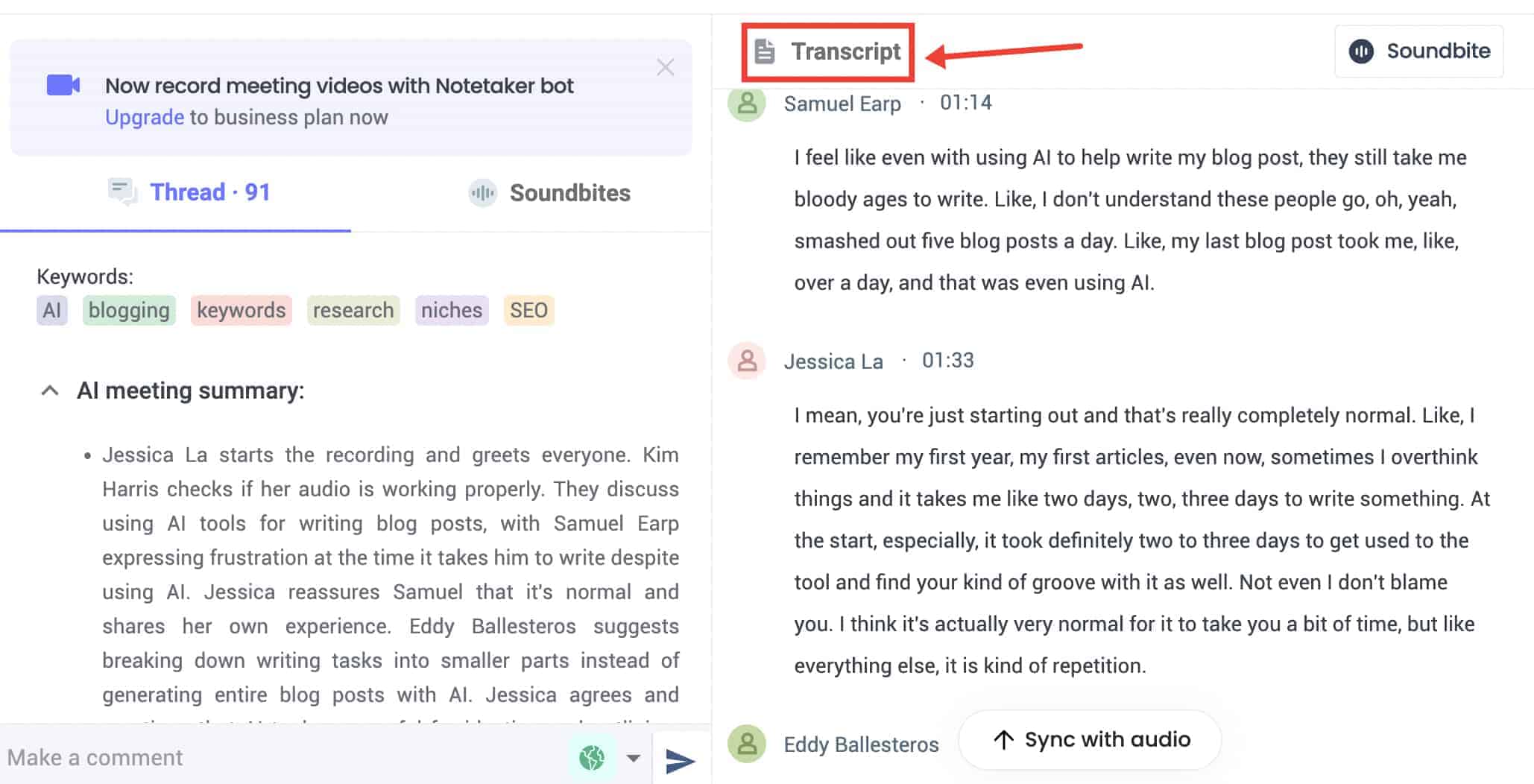
And you can revisit the whole meeting later, so no more worrying about forgetting those crucial details. With AI in your corner, you’ll never lose track of those valuable meeting discussions.
3. Use AI to find action items from meetings and assign them to team members
With the help of the virtual meeting assistant, you don’t need to worry about remembering who’s doing what after the meeting.
It swoops in, identifies and prioritizes the action items, and then makes sure they’re assigned to the right team members.
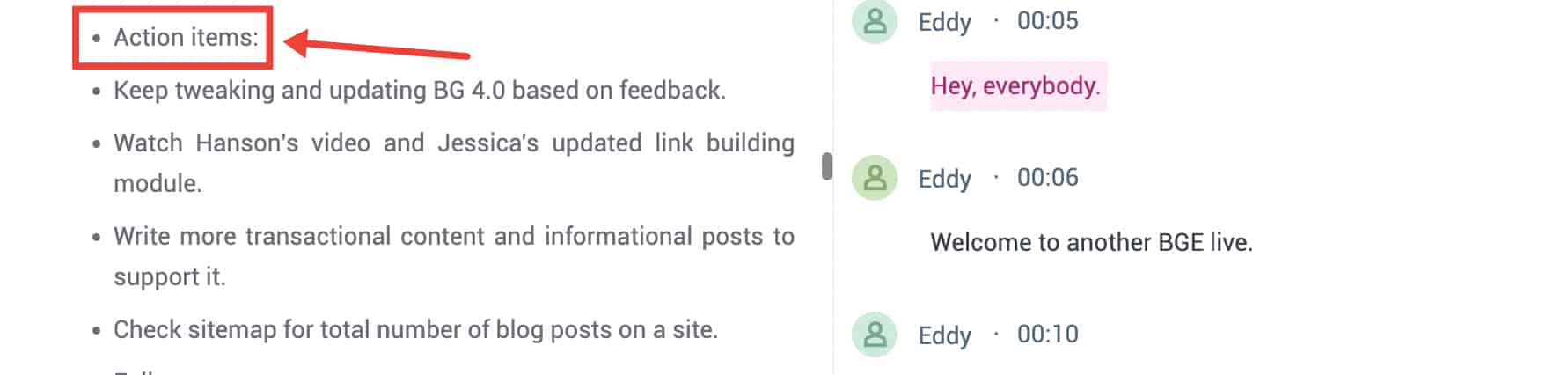
So there will be no more confusion or tasks falling through the cracks—AI keeps everyone on the same page. This way, you can focus on getting things done and completing tasks on time, all within the meeting itself.
4. Use AI to automate meeting summaries
After the meeting, AI steps in and creates a neat meeting recap for you. Then it sends an email with all the important stuff that was discussed to all of the meeting attendees.
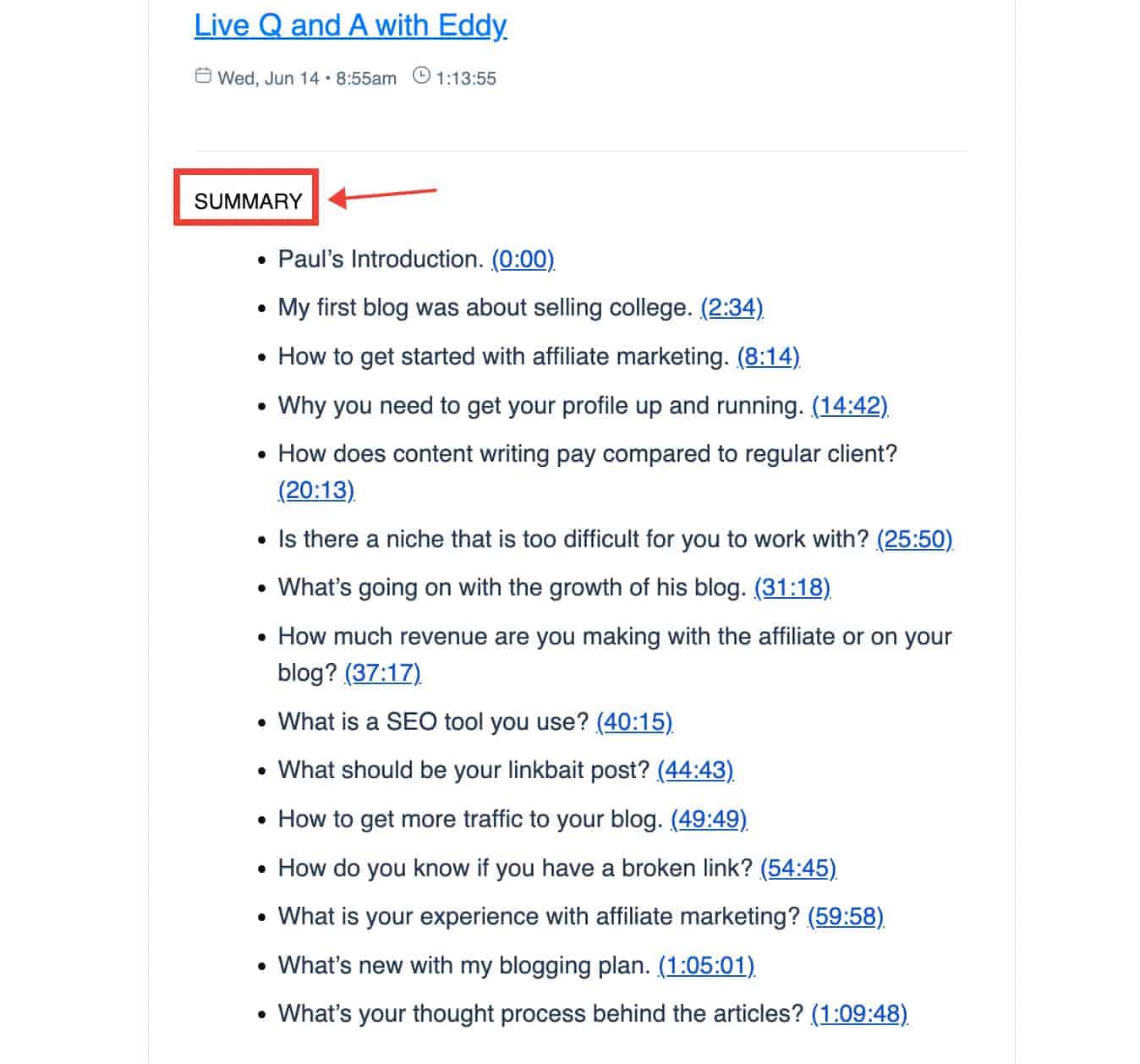
No more scrambling to remember what was said or typing lengthy emails. AI does it all for you, making sure everyone gets the scoop effortlessly.
6. Use AI for real-time language translation during meetings
In a business world where remote work is becoming the norm, effective communication is more crucial than ever.
There are times when the attendees come from different countries, and language barriers can sometimes get in the way of a smooth meeting experience.
But here’s where AI steps up its game: With real-time language translation, AI helps break down those language barriers.
You can talk in your language, and the other person can hear it in theirs, all in a split second.
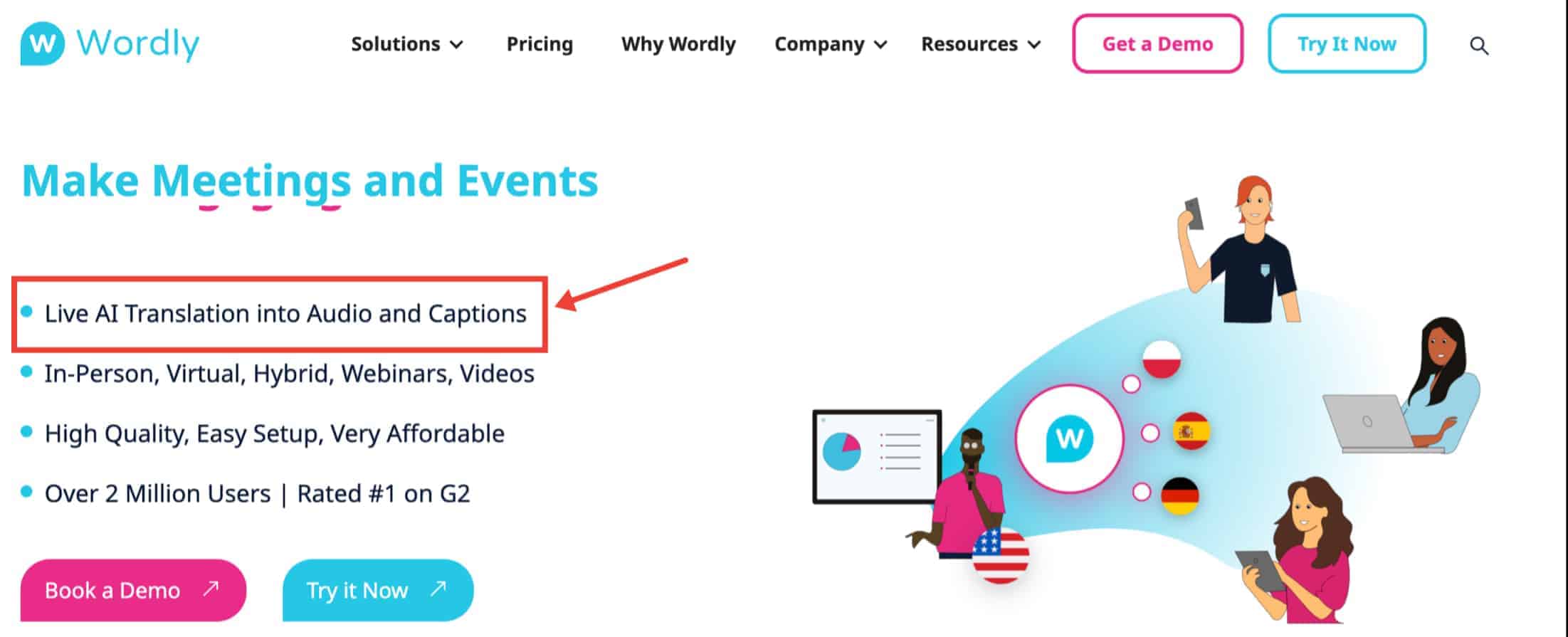
This way, everyone can actively participate in the meeting, no matter what language they speak. AI truly makes the meeting room a place where everyone’s voice is heard.
7.Use AI to build meeting agenda
AI knows exactly what your team needs. Instead of spending time puzzling over what to include, AI jumps in and builds an agenda that’s just right.
It considers what topics are important, who should talk about what, and even how much time each part deserves.
It’s like having a planning genius by your side, making sure every meeting is well-organized and effective.
With AI’s help, your meetings will be on track and more productive than ever.
8.Use AI for meeting analytics and insights to help teams make better decisions
Ever wondered how to turn your meetings into strategic powerhouses? That’s where AI’s magic comes in.
It watches over everything, from who’s talking to what’s being discussed. AI collects all these bits and pieces and turns them into insights, just for you.
With these insights, you gain a better understanding of your team’s strengths and areas for improvement.
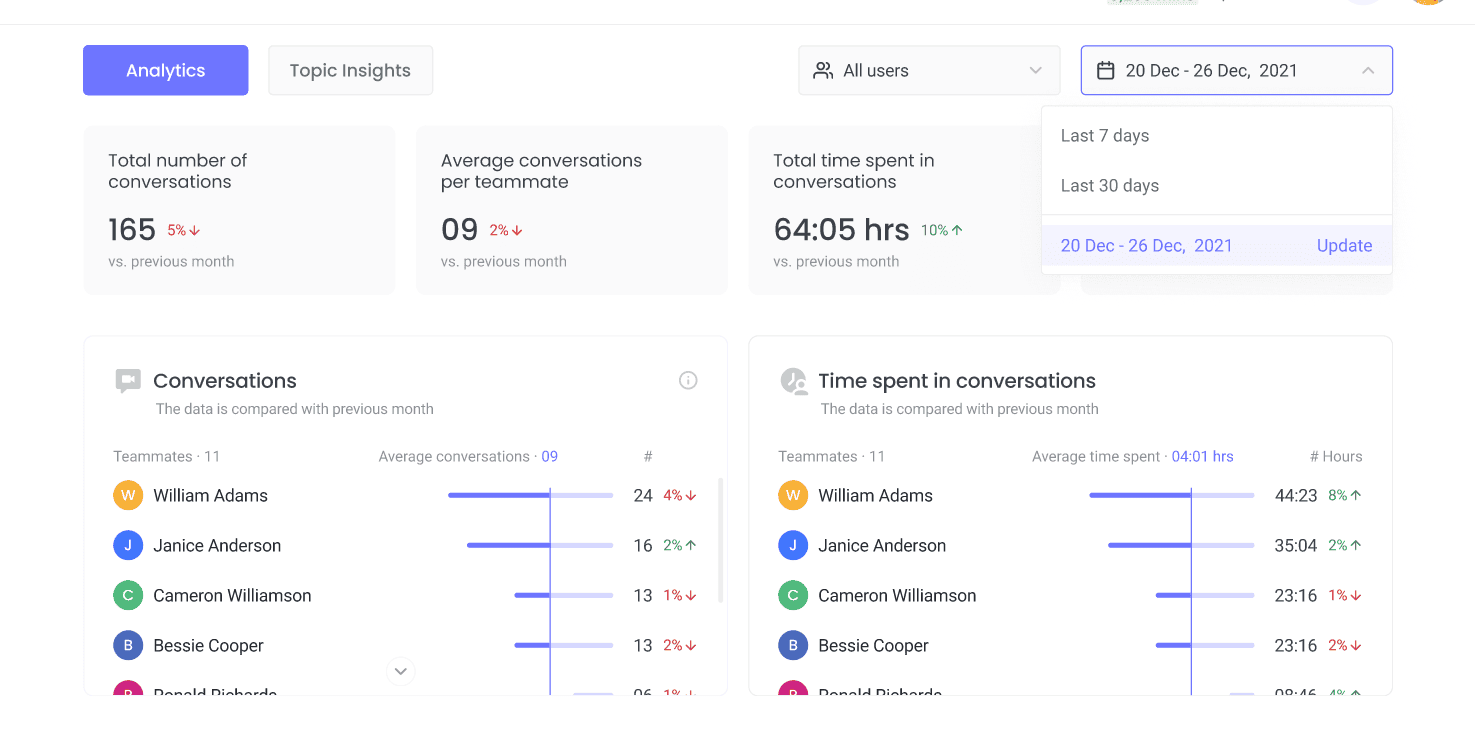
It’s like having a map that guides you toward effective collaboration. When it’s time to make decisions, you’re not guessing in the dark anymore.
AI shines a light on the smartest paths, making your team’s choices more informed and effective.
Conclusion
Overall, there are many ways to improve virtual meeting efficiency with AI, and the ones above are just some of them.
Whether you’re looking to streamline your workflow or improve collaboration between team members, there’s an AI solution out there that can help you achieve your goals.
So why not give it a try and see how it can benefit you and your team? With the right tools and strategies in place, you can take your meetings to the next level and achieve greater success in your work.