bymilliepham.com is reader-supported and contains affiliate links. This means that if you click through and make a purchase, I may receive a small commission at no extra cost to you.Learn more.
AI has become an integral part of the modern world, and its impact can be seen in almost every aspect of life. Education is no exception, and AI has proven to be a valuable tool for students.
With the increasing demand for personalized learning and the need for more efficient and effective teaching methods, AI tools have become essential for students of all ages.
AI tools for students come in different forms, from language learning tools to research and writing tools to math and science tools.
These tools use machine learning algorithms to analyze data, predict outcomes, and provide personalized recommendations to students.
In this post, let’s go over the 13 best AI tools for students that are easy to use, affordable, and provide accurate results.
With unlimited paraphrasing, QuillBot lets you rewrite and perfect any text easily.
Get better grades with work that’s polished and original, thanks to grammar checks and plagiarism detection.
Speed up your writing tasks with quick suggestions and helpful tools
Help you quickly transcribe lectures and convert readings to audio, making study sessions more efficient.
Access Podcastle from any web browser to edit and collaborate on study materials remotely, perfect for group projects.
Create your own educational podcasts with ease
Automatically adjusts schedules to prevent conflicts and missed deadlines.
Syncs with Google Calendar and Zoom for seamless class and meeting management.
Uses defended time and buffers to keep deadlines and breaks well-managed.
What are The Best AI Tools for Students?
Here are the 13 best AI tools for students to enhance your learning and productivity:
- Best AI Research and Essay Writing Assistant: QuillBot
- Best for Converting Readings To Audio: Podcastle AI
- Best for Planning Your Study Schedule: Reclaim AI
- Best for Creating Presentation: Desktopus AI
- Best for Generating Mind Map: Mymap AI
- Best for Automatic Note-Taking During Online Classes: Fireflies AI
- Best for Turning Text into Audio: Speechify
- Best for Time Management: Timely
- Best for Streamline The Assessment And Grading Process: Gradescope
- Best for New Language Learning: Langotalk
- Best for Providing Immediate and Accurate Responses: Ivy Chatbot
- Best AI-powered Learning Flatform: Brainly
- Best for Reading Articles on Any Webpage: Wiseone
1. QuillBot
Millie’s Take
QuillBot is about making your academic journey a bit less daunting and a lot more productive. Whether improving your writing, ensuring its originality, or helping with research, Quillbot is a versatile ally in your educational pursuits.
- Best AI Research and Essay Writing Assistant
- Price: Starts at $4.17/month (Free forever plan available)
What is QuillBot?
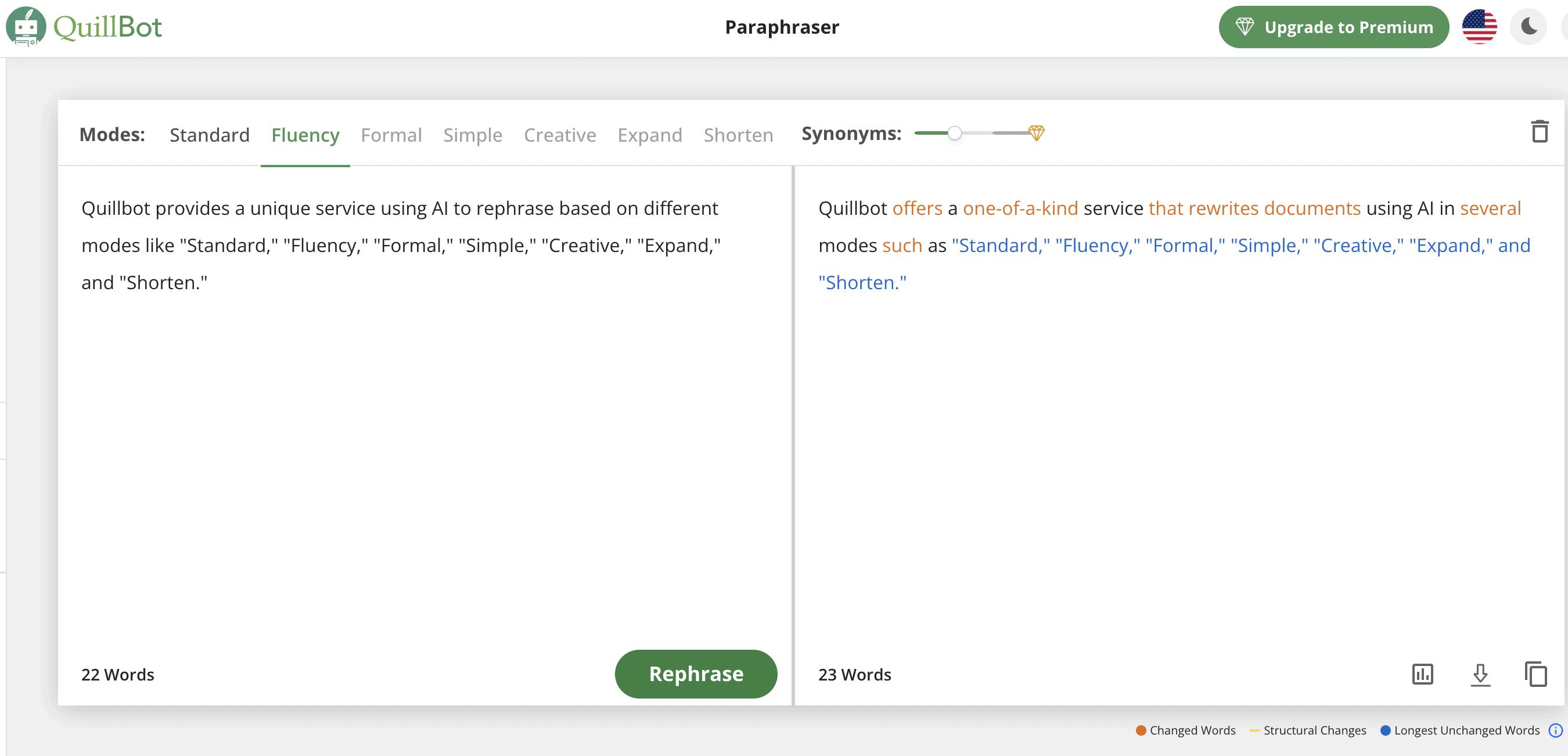
Quillbot is an AI-powered writing tool that helps you improve your writing.
It checks your grammar, suggests different ways to phrase your sentences, and offers various writing modes to match your needs, whether it’s for academic papers, blogs, or general content.
Why I Recommend QuillBot
QuillBot isn’t just another AI writer; it’s a multifaceted tool designed to refine and enhance your writing.
Whether you’re drafting an essay, a research paper, or just trying to make your content more engaging, Quillbot steps in as a reliable sidekick.
It offers various modes like:
- Fluency
- Formal
- Academic
…allowing you to tweak your text to suit the tone and style you need.
But what really sets it apart for students like you is its ability to expand on ideas or condense them, making your arguments stronger or your summaries more concise.
I’ve found its grammar checker and plagiarism detector to be indispensable.
And for those times when you’re stuck staring at a blank page, Quillbot’s content generation feature can kickstart your creativity, providing outlines and drafts based on your topics.
But it’s not just about writing. Quillbot can also help with research, offering insights and information that can enrich your papers.
Its ability to create citations effortlessly is a dream come true for anyone dealing with academic papers.
What I Like/Dislike About Quillbot
Pros
- You can rewrite content in several styles, like fluency, formal, academic, simple, and creative.
- You can manually change words for more precise editing, which might help bypass AI detectors in some contexts.
- Enables you to expand or shorten your content easily.
- Supports various languages.
- Includes a grammar checking feature to ensure your content is grammatically correct.
- Can generate content outlines and drafts, aiding in the writing process.
- Allows you to perform research directly within the tool, making it easier to gather information for your writing.
- Can create citations automatically, a useful feature for academic writing.
- Offers a plagiarism checking tool to ensure content originality.
Cons
- It’s not very effective at bypassing AI detectors.
- Relying heavily on AI for content creation and editing could potentially hinder the development of your own writing skills.
Pricing
There are two plans for you to choose from:
Free Plan: Paraphrase 125 words, limited modes, 1 Freeze Word, 1,200 words in Summarizer.
Premium Plan ($4,17/month): Unlimited paraphrasing, all modes, full features, 6,000 words in Summarizer, 100 pages/month in Plagiarism Checker, 3-day money-back guarantee.
2. Podcastle AI
Millie’s Take
- AI-powered audio and video production
- Intuitive and easy-to-use features, including one-click background noise remover and AI Revoice tool
- Beginner-friendly and user-friendly interface
- Price: Free plan (paid starts at $11.99/month)
- Compatibility: All operating systems (it’s internet-based)
What is Podcastle AI
Podcastle is an online audio and video production software that leverages AI technology to help users create, edit, and enhance content.
It offers a range of features such as:
- Automatic noise reduction
- Multi-track editing
- High-quality audio recording
- AI-generated voices for narration and text-to-speech conversion
The platform is designed to make content production easier for creators, whether they’re beginners or experienced creators.
You can access it through a web browser, making it a convenient tool for remote collaboration and editing on the go.
Features
Here are some of Podcastle’s game-changing features that help you to elevate your content:
- Automatic Transcriber: Turn any audio to text within a couple of seconds. You can also use the feature as a text to speech converter for the vice-versa functionality.
- Background Noise Remover: Remove all the background noise from your audio with just one simple click.
- AI Revoice Feature: Create a digital replica of your own voice and use it later to quickly turn text to speech that sounds just like you!
- Audio Auto-Leveling: Make all your audio tracks match the normalized audio volume levels.
- HD Recording: Record high-quality audio and video right from your PC or iPhone.
- Royalty-free Sound Effects & Music Tracks: Enjoy an extensive library of music tracks and sound effects
- Hosting Hub: Host your content in the same software and publish it on all the major podcast directories hasslle-free.
Why I Recommend Podcastle
Why is Podcastle a great tool for you as a student?
Podcastle is perfect for students as it lets you drag and drop your lecture recordings to the software and get automatic transcriptions quickly and easily!
You can later edit those transcripts and use them as your study notes.
This will allow you to be more focused during the lectures on what the professor is teaching and actually engage in the discussions instead of being overwhelmed with making notes.
You could also use Podcastle’s text-to-speech tool to convert your readings into podcasts and listen to them on your way to the university or back home.
And of course, if you want to take your studying to the next level, you could make podcasts yourself on your favourite subject and maybe even post them online.
This would help you to memorize the important information better, engage with the subject on an analytical level and who knows, maybe even get famous with your podcast!
The best part is that you don’t need to have any prior audio productionor editing experience to start your podcast with Podcastle, as it is very beginner-friendly.
What I Like/Dislike About Podcastle
Pros
- Intuitive and user-friendly interface
- Professional AI-powered tools
- All-in-one software for content creators
- Collaboration features to work with your team
- High-quality recording capabilities
Cons
- Needs an internet connection to function as it’s an online software
- Limited languages for AI voices
Pricing
Storyteller: $11.99/mo
Pro: $23.99/mo
Teams: Custom, contact the Podcastle team
3. Desktopus AI
Best for Creating Presentation

Millie’s Take
- Price: Free forever plan (Starts at $15/month)
- Integration: Zoom, Google Meet, Microsoft Teams, Trello, Slack,…
What is Desktopus AI
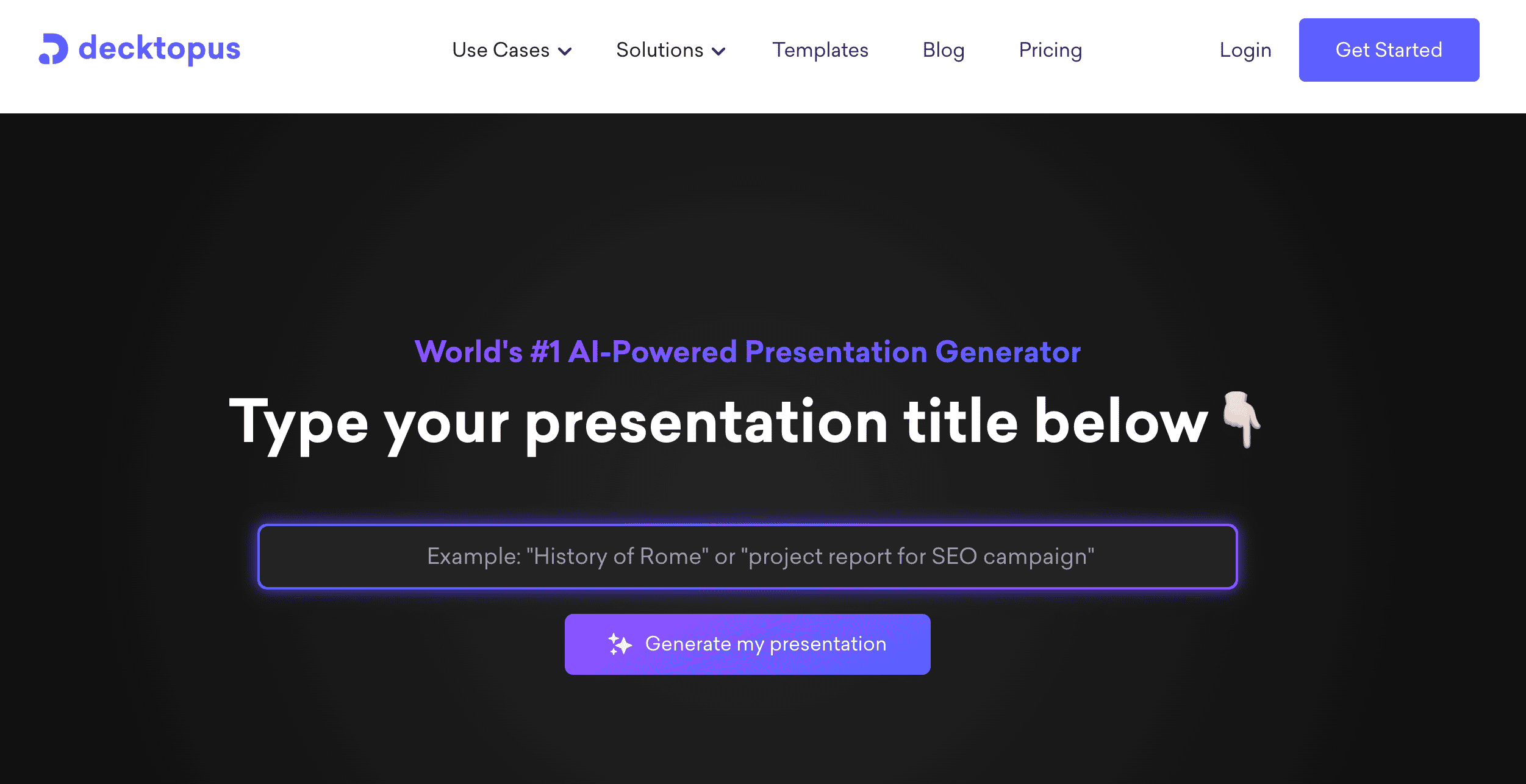
Decktopus helps students create presentations quickly and easily. With its instant deck generation and one-click design, you can easily customize your presentations with a wide range of themes, fonts, and colors.
Here are some of its POWERFUL features that allow you to level up your presentation game:
- Forms: Gather valuable information and feedback from your audience in real-time, making your presentations interactive and engaging.
- Voice Recorder: Add a personal touch by including audio narration, making your presentations more expressive and captivating.
- Multimedia Embedding: Make your presentations come alive by incorporating live websites and videos, leaving a lasting impression on your audience.
Decktopus AI is trusted by 500K+ users and highly praised by happy users who have experienced its ease of use and exceptional results.
Why I Recommend Decktopus
So, what does Decktopus have in store for you, the student?Whether you’re working on a history presentation or preparing a science project report, Decktopus provides instant theme changes that make your slides visually appealing and professional.But that’s not all there is to it!Decktopus goes even further than just aesthetics. It understands the significance of content, and it’s here to support you!With just a simple click, you’ll have access to a treasure trove of image and icon suggestions, eliminating the need to spend hours scouring stock photo websites. Decktopus takes care of that for you, making your life much easier.It also offers personalized slide notes, providing you with talking points tailored specifically to your topic and audience. This ensures you always know what to say and keeps everyone engaged.But wait, there’s more!Decktopus is brimming with EXCITING tools that bring a fun and interactive touch to your presentations.Let me walk you through some of the highlights:
- Collect real-time information and feedback from your audience using interactive forms.
- Add a personal touch by incorporating audio narration through the voice recorder feature.
- Elevate your brand experience by connecting your own custom domain.
- Streamline your workflows with webhook integration.
- Enhance your presentations by embedding live websites and videos.
With these tools at your disposal, your presentations will captivate everyone’s attention and leave a lasting impression!
What I Like/Dislike About Desktopus
Pros
- Fast creation of fully formatted and visually appealing presentations
- Integration of questionnaires within the presentation
- Stable and fast-loading platform
- Quality hot swappable templates
- Excellent icon library
- Frequent updates
Cons
- Sometimes, the AI slide generator includes irrelevant content that requires human editing
- Inability to vertically swipe between slides in presentation mode
- Not having a slide sorter view like PowerPoint can be frustrating, especially when dealing with longer presentations.
- Limited control over sharing presentations, no way to “unshare” or generate private URLs
Pricing
PRO AI: $14.99/mo or $9.99/mo (annually)
With the PRO AI you’ll get :
- 750 AI credits
- Remove logo
- Create folder
- Analytics, 1 user